The #1 PNG to PDF Converter
Turn PNG images into a clean PDF in seconds.
Drop your images here
or click to browse
Supports JPG / PNG / HEIC / HEIF · Up to 50 images per batch · Max 30MB each
* The conversion runs in your browser. Your images never leave your device.
Tip: Bookmark this tool for quick access — Press Ctrl + D
Key Features of This PNG to PDF Converter
Fast PNG to PDF Conversion
Convert PNG to PDF in seconds. There is no upload step. The work runs on your device, so you can start and finish fast.
Turn Multiple PNG Images Into One PDF
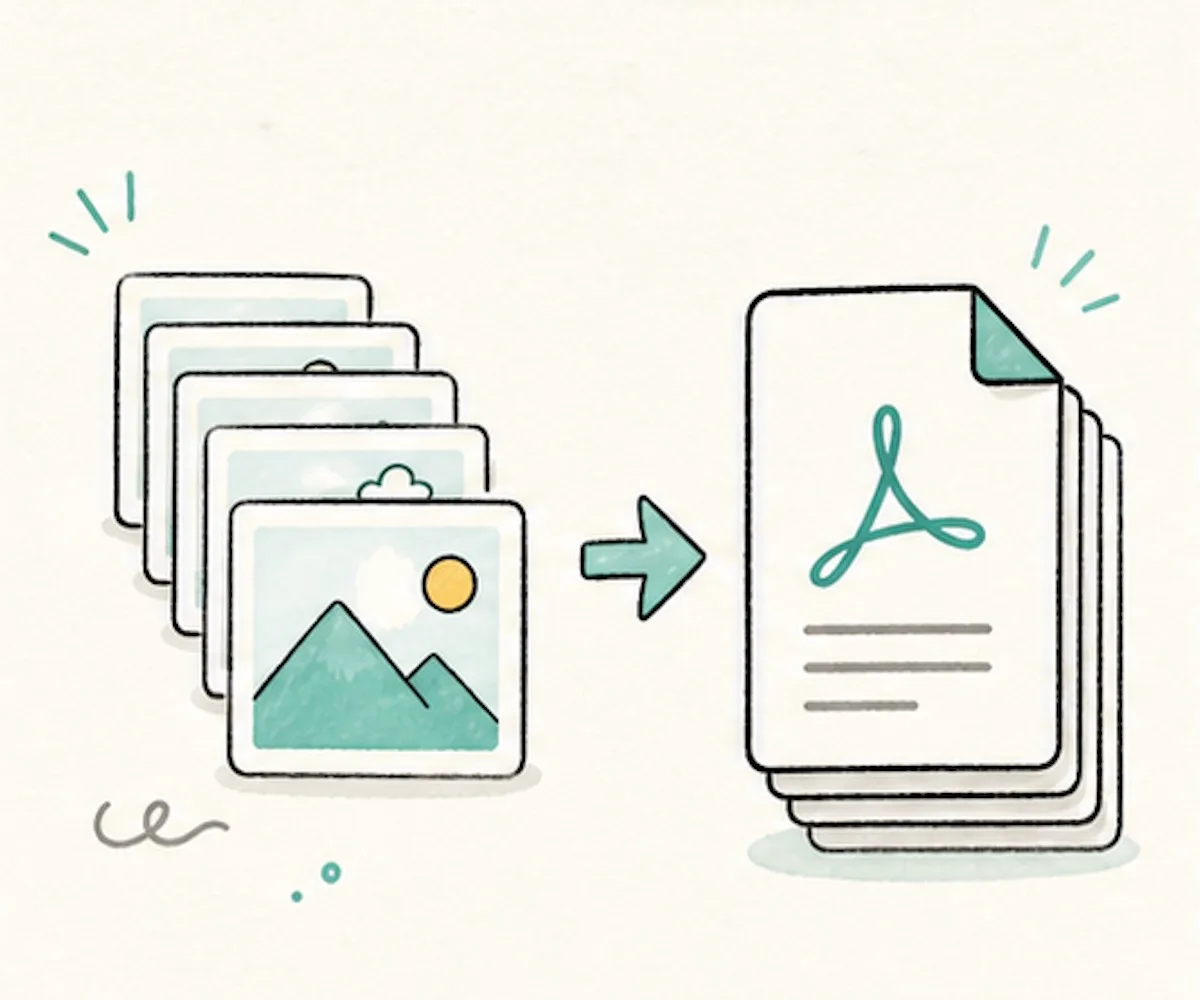
Add many PNG images and merge them into one PDF. Each image becomes one page. This works well for screenshots, forms, notes, and design files.
Simple Page Settings
This PNG to PDF converter lets you pick A4, Letter, A3, A5, or fit to image. Choose portrait or landscape. Add no margin, a small margin, or a big margin.
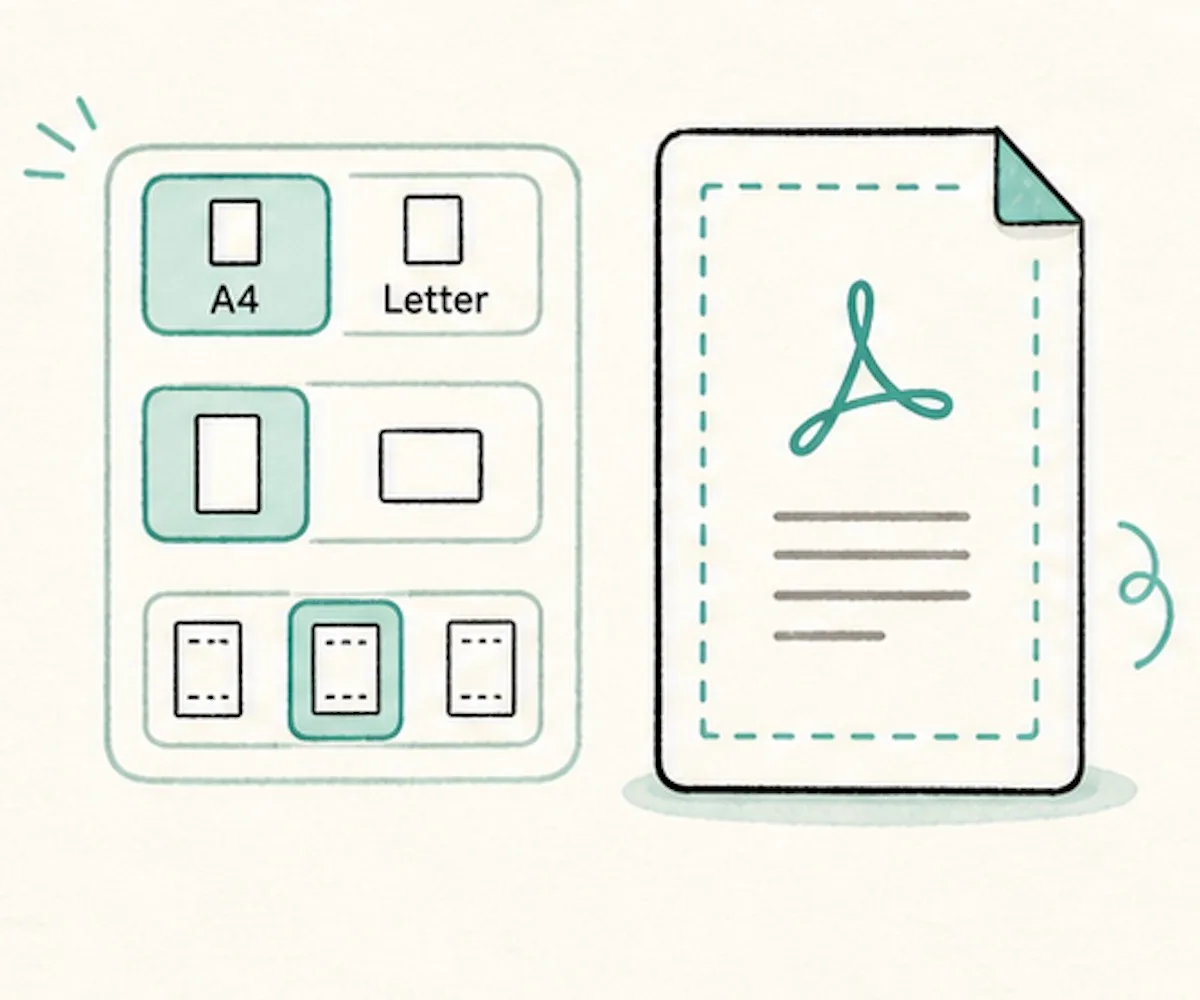
Private PNG to PDF Processing
Your PNG images stay on your device. This converter does not send images to a server. Nothing is stored online.
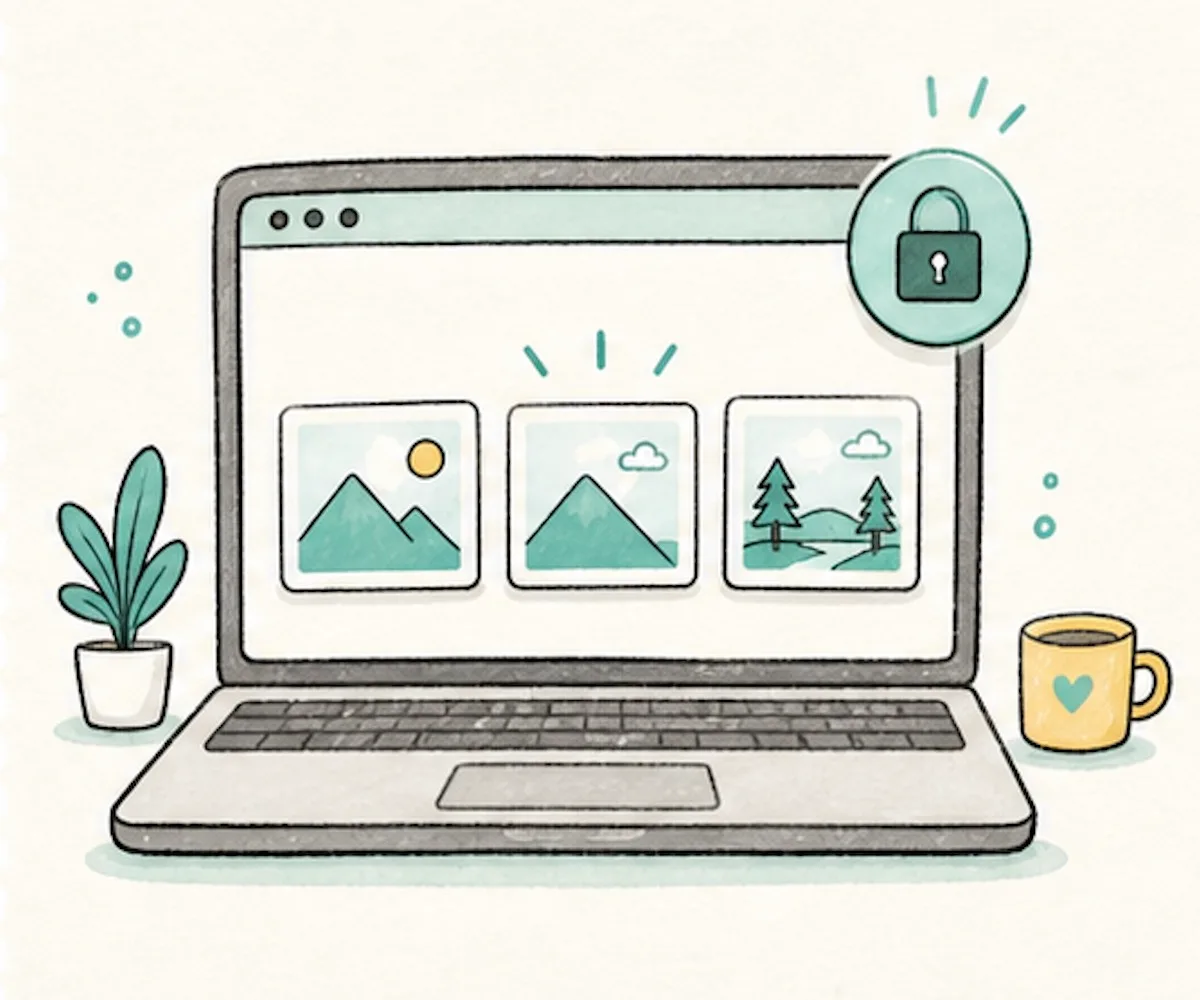
Free PNG to PDF Tool
Use this PNG to PDF converter for free. There is no signup, no daily cap, and no watermark on your PDF.
What Is PNG to PDF?
This tool turns PNG images into a PDF document. It is useful for screenshots, icons, charts, receipts, forms, and images with a clear background. A PDF keeps the pages in order. It is easier to print, send, and save.
The converter works in your browser. Your PNG files do not go to a server. Add one image or many images. Put them in the order you want. Pick the page size and margin. Then download your PDF.
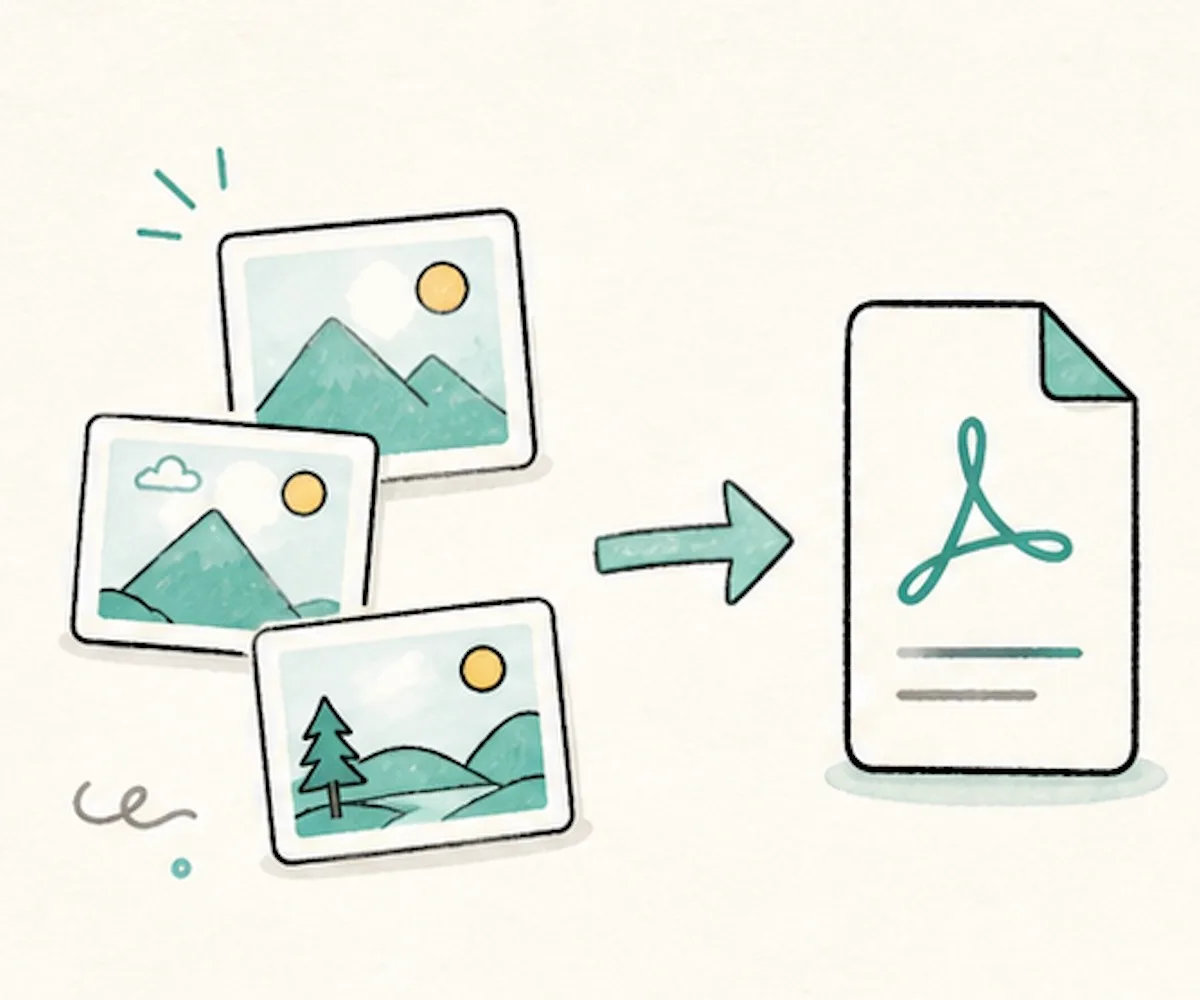
Make a clean PDF from PNG images. Your files stay on your device.
How to Convert PNG to PDF
Convert PNG to PDF in three simple steps. No app to install.
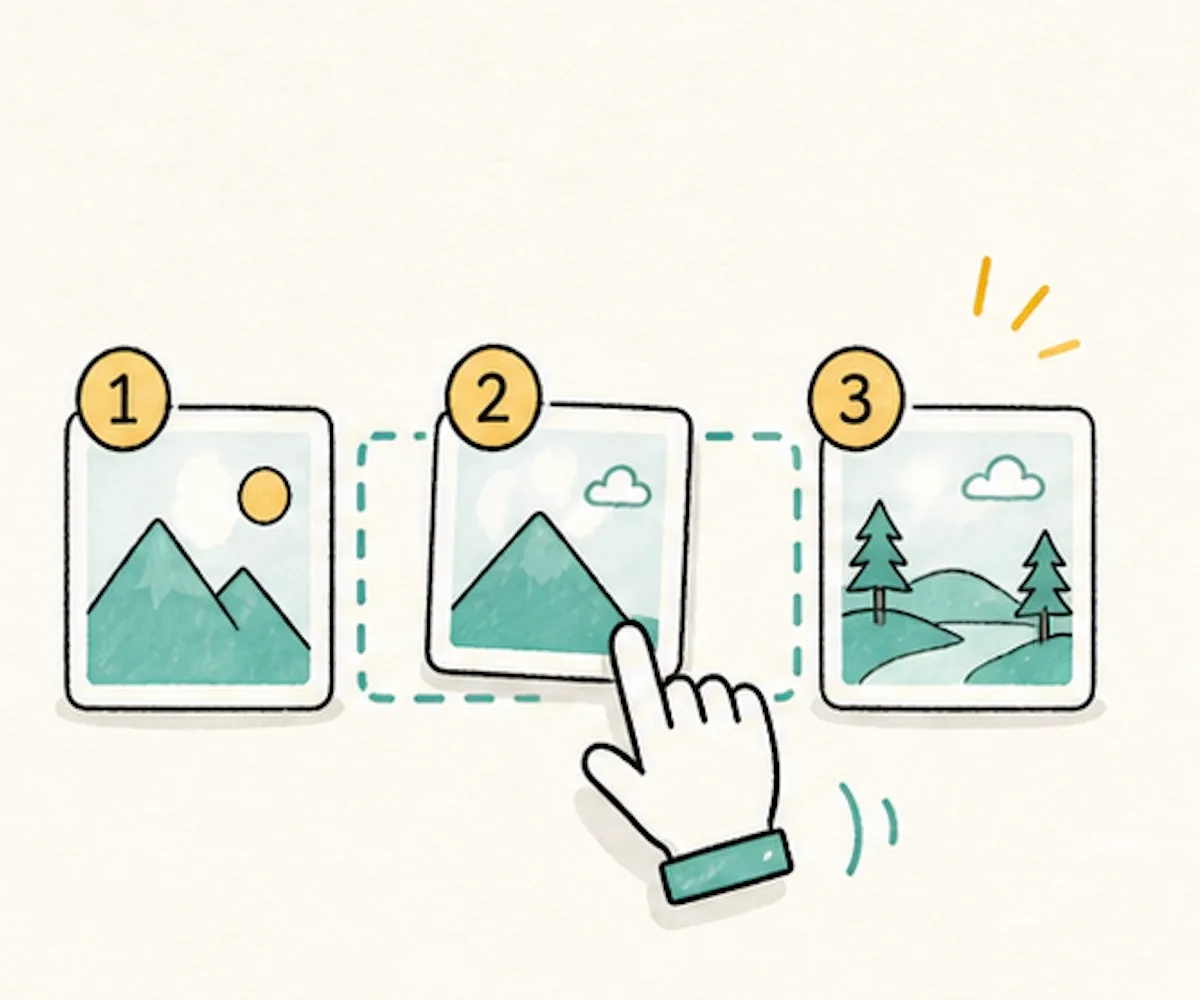
Drop your PNG files into the box, or click to pick them. Add up to 50 images. Drag the thumbnails to set the page order.
Choose the page direction, page size, and margin. Check "Merge all images in one PDF" to create a single file, or uncheck it to get separate PDFs.
Click "Convert to PDF". Your PDF downloads right away.
Why Use This PNG to PDF Converter?
Many online PNG to PDF converters upload your files first. This one works in your browser, so your files stay with you.
| This tool | Other online tools | |
|---|---|---|
| PNG images stay on your device | Uploaded to a server | |
| Works in the browser | Needs server work | |
| No signup | Often asks for an account | |
| No watermark | Sometimes adds one | |
| Free with no daily cap | Often has limits | |
| Good for screenshots and graphics | Often made for photos only |
Frequently Asked Questions
Simple answers about making PDFs from PNG images.
How do I convert PNG to PDF?
Add your PNG images, choose the page size and margin, then click "Convert to PDF". The PDF downloads in a few seconds.
Can I combine many PNG files into one PDF?
Yes. This PNG to PDF converter lets you merge multiple files. Keep "Merge all images in one PDF" checked. Drag the thumbnails to set the order. Each PNG becomes one PDF page.
Will my PNG quality change when converted to PDF?
No. Your PNG is placed into the PDF at its original quality. We do not blur it or compress it.
Are my PNG files uploaded?
No. The conversion runs in your browser. Your files are not sent to us, and we do not store them.
Does this work with transparent PNG images?
Yes. Transparent areas remain transparent in the PDF.
How many PNG images can I add?
You can convert up to 50 PNG images at once, with each file up to 30MB. No daily limit.
Can I use it on my phone?
Yes. You can use it in a mobile browser on iPhone or Android. You do not need an app.
Can I choose A4, Letter, or margins?
Yes. Pick fit to image, A4, Letter, A3, or A5. You can also choose portrait or landscape and set the margin.
Is this PNG to PDF converter free?
Yes. It is completely free. There is no signup, no watermark, and no daily limit.
Ready to Turn PNG Images Into a PDF?
Use this free converter in your browser. Add your images, set the order, and download a clean PDF.