The #1 JPG to PDF Converter
Turn your JPG images into a clean PDF in seconds.
Drop your images here
or click to browse
Supports JPG / PNG / HEIC / HEIF · Up to 50 images per batch · Max 30MB each
* Everything runs in your browser. Your images never leave your device.
Tip: Bookmark this tool for quick access — Press Ctrl + D
Key Features of Our JPG to PDF Converter
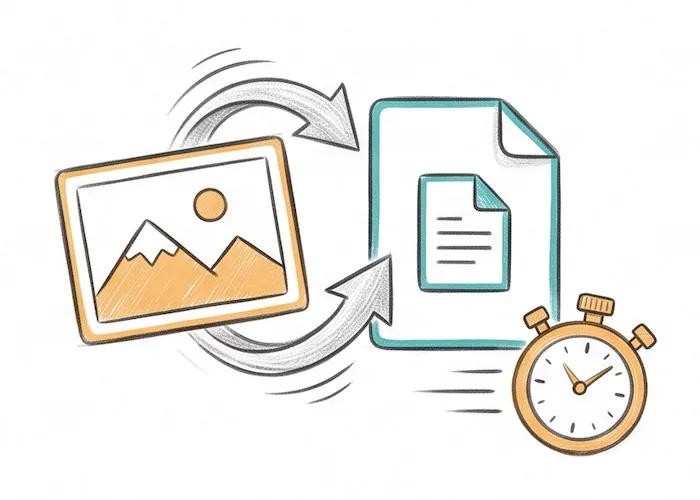
Convert in Seconds
Convert JPG to PDF in just a few seconds. The whole job runs on your device, so there is nothing to upload and no waiting.
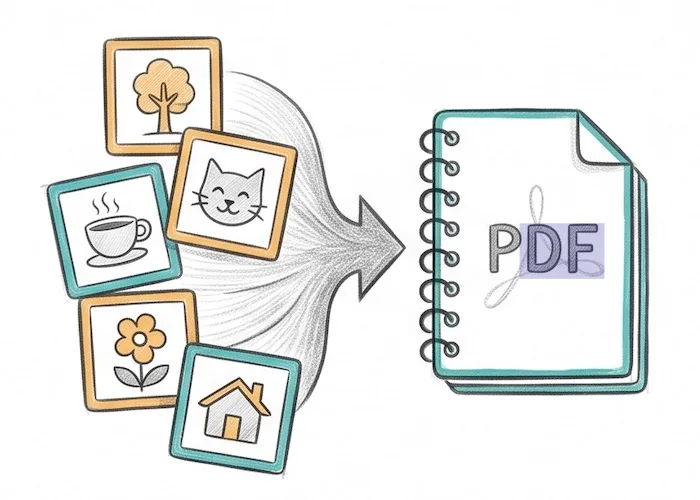
Merge Images Into One PDF
This JPG to PDF converter combines many images into a single PDF file. Want separate files instead? Turn off merging and get one PDF for each image, all in one ZIP.
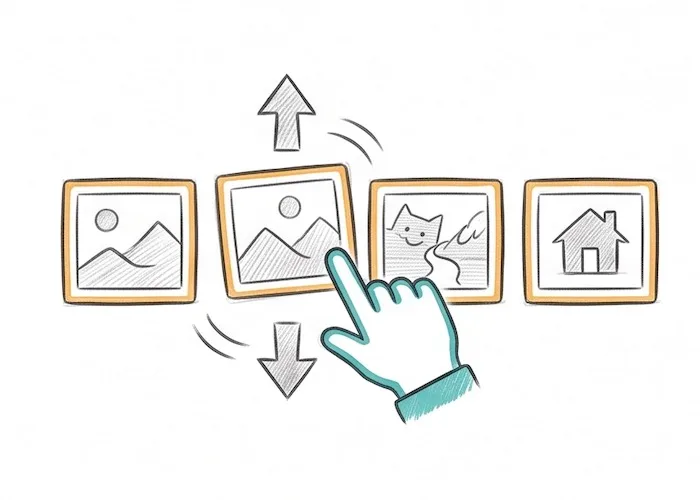
Drag to Reorder
Drag the image thumbnails to change their order. The order you set is the page order in your PDF.
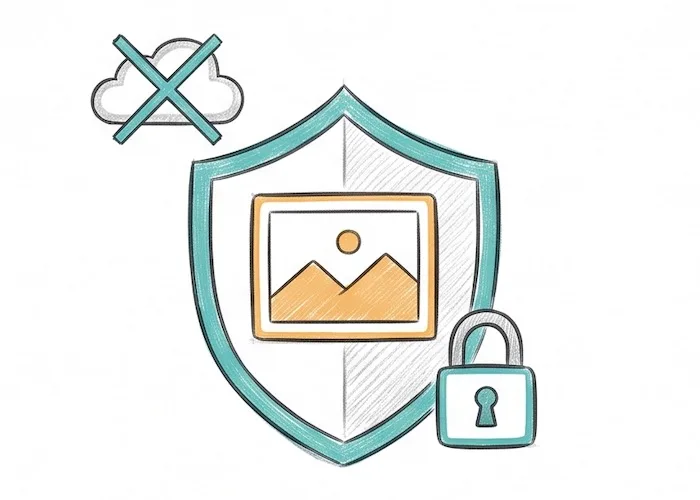
100% Private, No Upload
Your images are never uploaded. The whole JPG to PDF conversion happens in your browser, so your files stay on your device and no one else can see them.
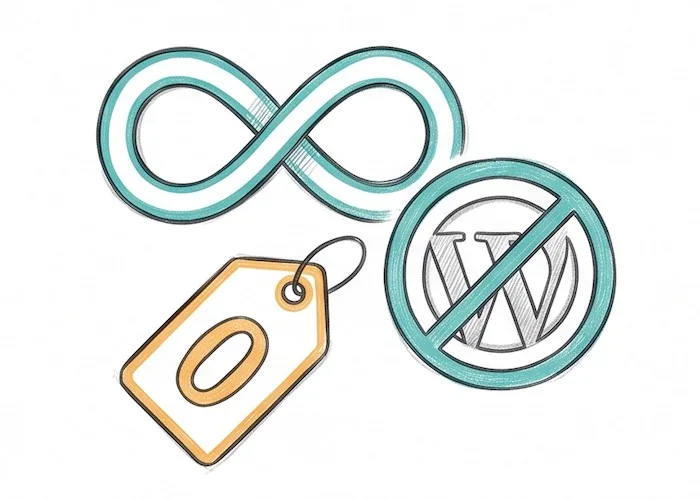
Free With No Limits
Convert as many images as you like, as often as you like. There are no daily limits and no watermarks. This JPG to PDF converter is free with no account to create.
What Is JPG to PDF?
JPG to PDF turns your image files into one PDF document. A PDF keeps your photos in the right order. It opens the same way on any phone, tablet, or computer. It is easy to share, print, and save. This makes it a good fit for scans, receipts, ID photos, and photo sets.
Most online tools send your images to a server first. This one does not. It runs the JPG to PDF conversion right in your browser. You do not need an account. Just drop your JPG files, put them in order, pick your layout, and download. It works in seconds.
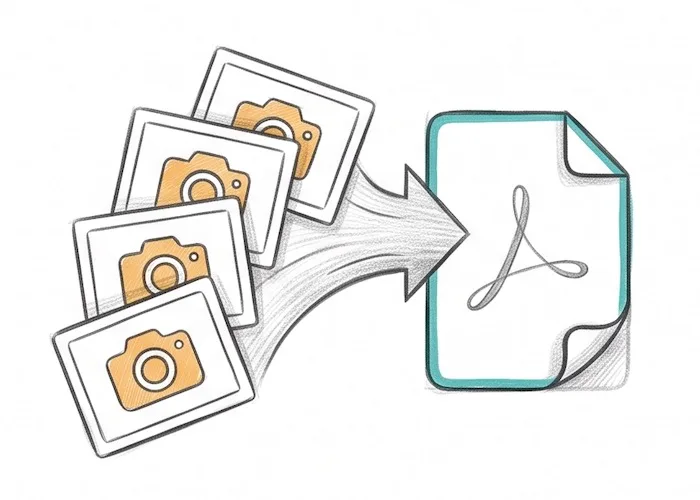
Turn many JPG images into one PDF, right in your browser. Your photos stay on your device.
How to Convert JPG to PDF
Convert JPG to PDF in three easy steps. No app to install.
Drop your JPG files into the box, or click to pick them. Add up to 50 at once. Drag the thumbnails to set the page order.
Pick the page direction, the page size (fit to image, A4, Letter, and more), and the margin. Check "Merge all images in one PDF" to join them into a single file, or leave it off to get one PDF per image.
Click "Convert to PDF". Your file downloads right away.
Us vs Other Online Tools
Most online JPG to PDF converters upload your images to a server. This one does not. See the difference.
| This tool | Other online tools | |
|---|---|---|
| Your images stay on your device | Uploaded to a server | |
| Works fully in your browser | Needs a server | |
| No signup or account | Often required | |
| No watermark on your PDF | Sometimes added | |
| Free with no daily limit | Often capped | |
| Nothing kept on a server | Files stored for hours |
Frequently Asked Questions
What you need to know about our JPG to PDF converter.
How do I convert a JPG to PDF?
Add your JPG images, pick your page size and margin, then click "Convert to PDF". This is the fastest way to convert JPG to PDF, and your file downloads in a few seconds.
How do I combine multiple JPG images into one PDF?
Add all your images, then keep "Merge all images in one PDF" checked. Each image becomes one page, in the order you set. Drag the thumbnails to change the order.
Will the conversion lower my image quality?
No. Your JPG goes into the PDF at its original quality. We do not shrink it or lower the resolution. Some other tools compress your images to make the PDF smaller, which can look blurry. This one does not.
Are my images uploaded to a server?
No. The whole job runs in your browser. Your images are never sent to us, and nothing is stored on a server. They stay on your device.
Which image types can I use?
Right now JPG and JPEG files work. PNG and more file types are coming soon.
How many images can I add, and how big?
You can add up to 50 images at once. Each one can be up to 30MB, with 200MB in total. Files over the limit are skipped.
Can I convert JPG to PDF on my phone?
Yes. You can convert JPG to PDF in your phone browser on iPhone and Android, like Safari and Chrome. There is no app to install.
Can I set the page size and margins?
Yes. Pick the page direction, the page size (fit to image, A4, Letter, A3, A5), and the margin (none, small, big). Each image is sized to fit and placed in the center.
Is it free? Will there be a watermark?
Yes, it is free. There is no signup and no daily limit. Your PDF has no watermark.
Ready to Turn Your JPG Images Into a PDF?
This free JPG to PDF converter runs on your device. Merge your images and download a clean PDF in seconds.