Free HEIC to PDF Converter
Convert iPhone HEIC photos to PDF in seconds.
Drop your images here
or click to browse
Supports JPG / PNG / HEIC / HEIF · Up to 50 images per batch · Max 30MB each
The conversion runs in your browser. Your images never leave your device.
Tip: Bookmark this tool for quick access — Press Ctrl + D
Key Features of Our HEIC to PDF Converter
Fast HEIC to PDF Conversion
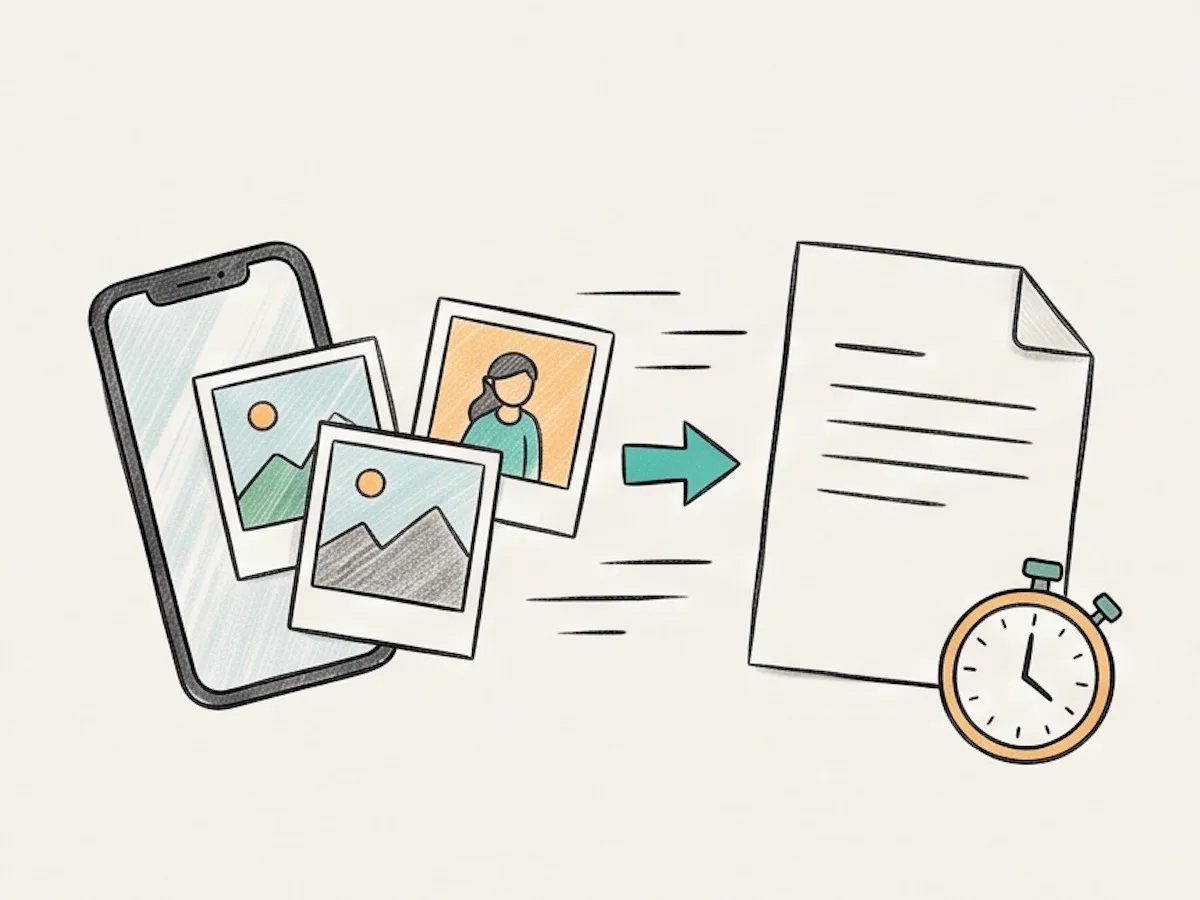
Our HEIC to PDF converter starts working as soon as you add your photos. Choose your settings and begin the HEIC to PDF conversion in a few clicks. There is no upload queue and no account to create. The work runs on your device, so you can get a finished document without a long wait. It works well for one image or a large set from your phone.
Easy to Use
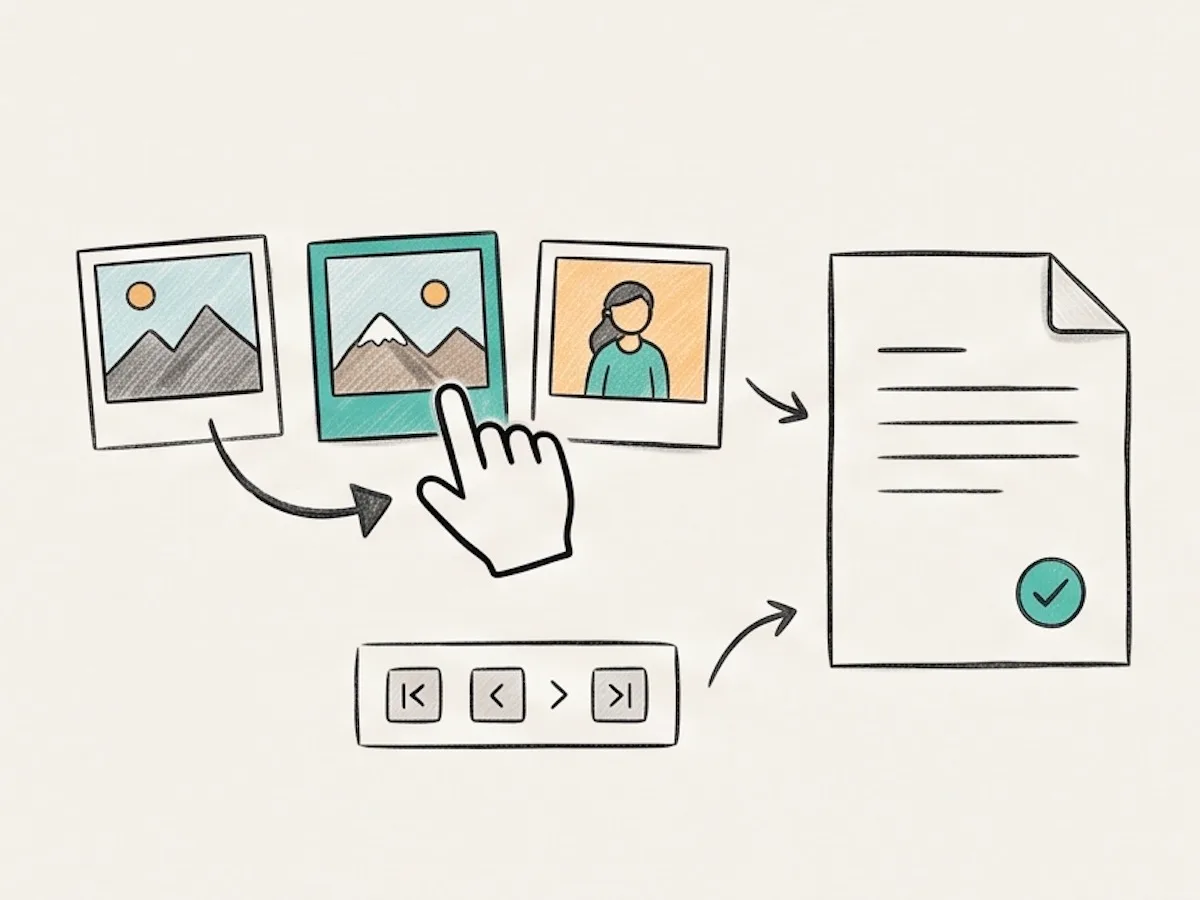
Using our HEIC to PDF converter is simple. Drop in one photo or a full set. Drag the previews to put every page in the right order. Then choose the page size, direction, and margin. The HEIC to PDF tool can make one merged document or separate PDF files in a single ZIP download. You can review the order before you convert anything.
Preserve Image Quality
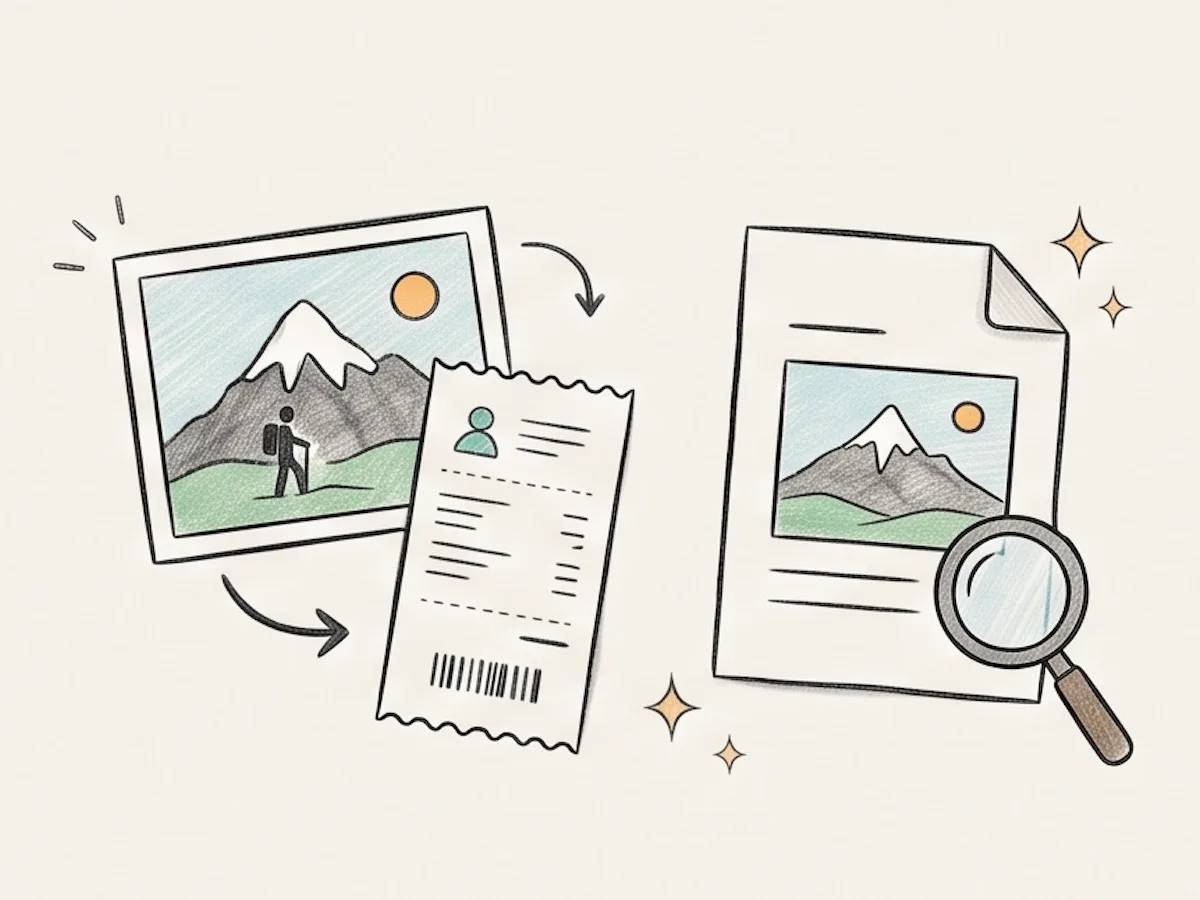
Your photos stay clear during HEIC to PDF conversion. Our converter does not lower their quality while it creates the document. Text, faces, receipts, and small details stay easy to see. This makes the HEIC to PDF tool useful for photos you need to share, save, or print. The result is ready for email, forms, and printing.
Secure and Private
Our HEIC to PDF converter processes every photo in your browser. We never send your images to a server or store them online. Your files stay on your device from start to finish. You can use the HEIC to PDF tool for personal photos, receipts, forms, and other private documents. Nothing is left online after you finish.
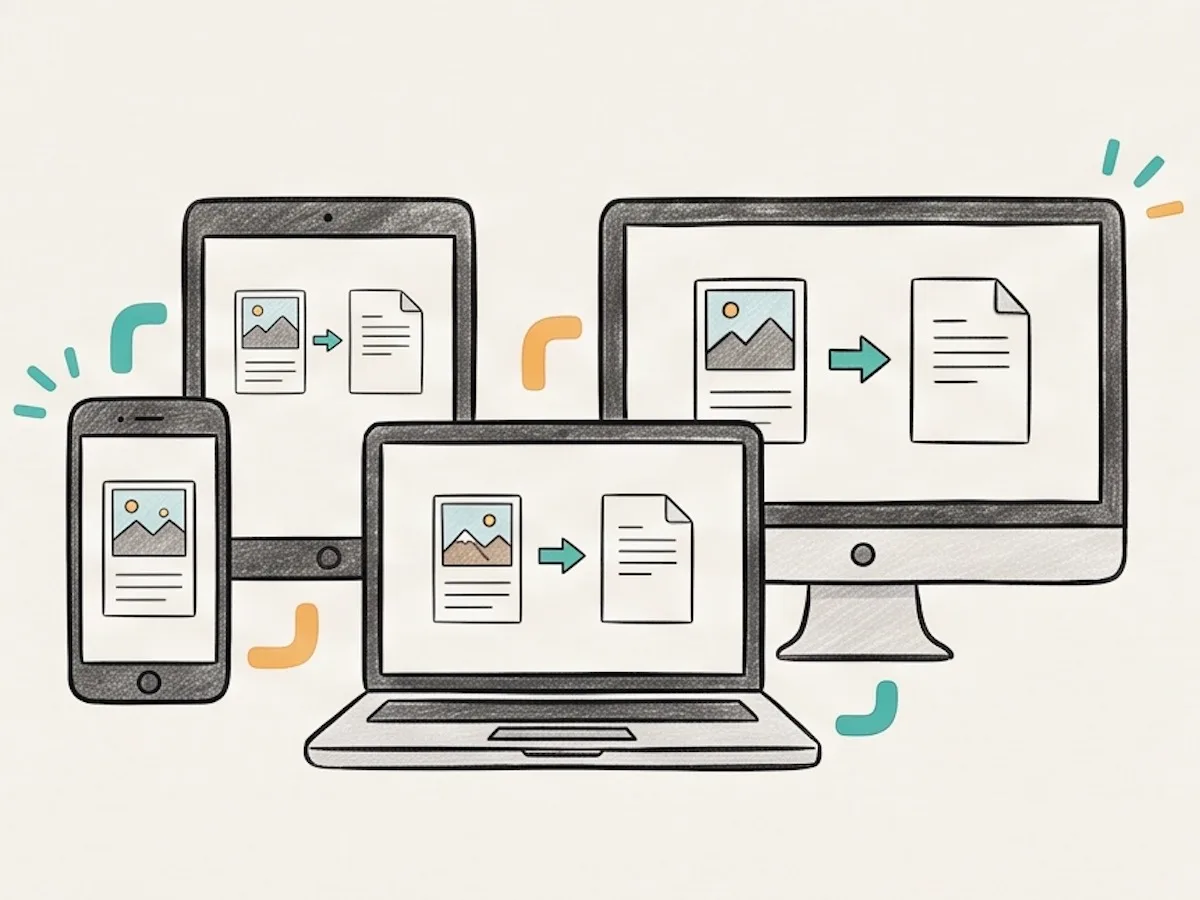
Works Across Devices
Use our HEIC to PDF converter in a modern browser on iPhone, iPad, Mac, Windows, Android, or Linux. The controls work on both mobile devices and computers. You do not need to install an app or add an HEIC extension. Open the HEIC to PDF tool and start when you are ready. The same simple steps work across supported devices.
What Is Our HEIC to PDF Converter?
Our HEIC to PDF converter turns HEIC and HEIF photos into PDF files. It can combine several iPhone photos into one document. Each photo becomes a page. You can set the page order before you download the PDF.
HEIC is common on iPhone and iPad. Some forms, apps, and Windows computers cannot open it. PDF works on more devices and is easier to share or print. It is useful for receipts, school work, job forms, insurance claims, and photo sets.
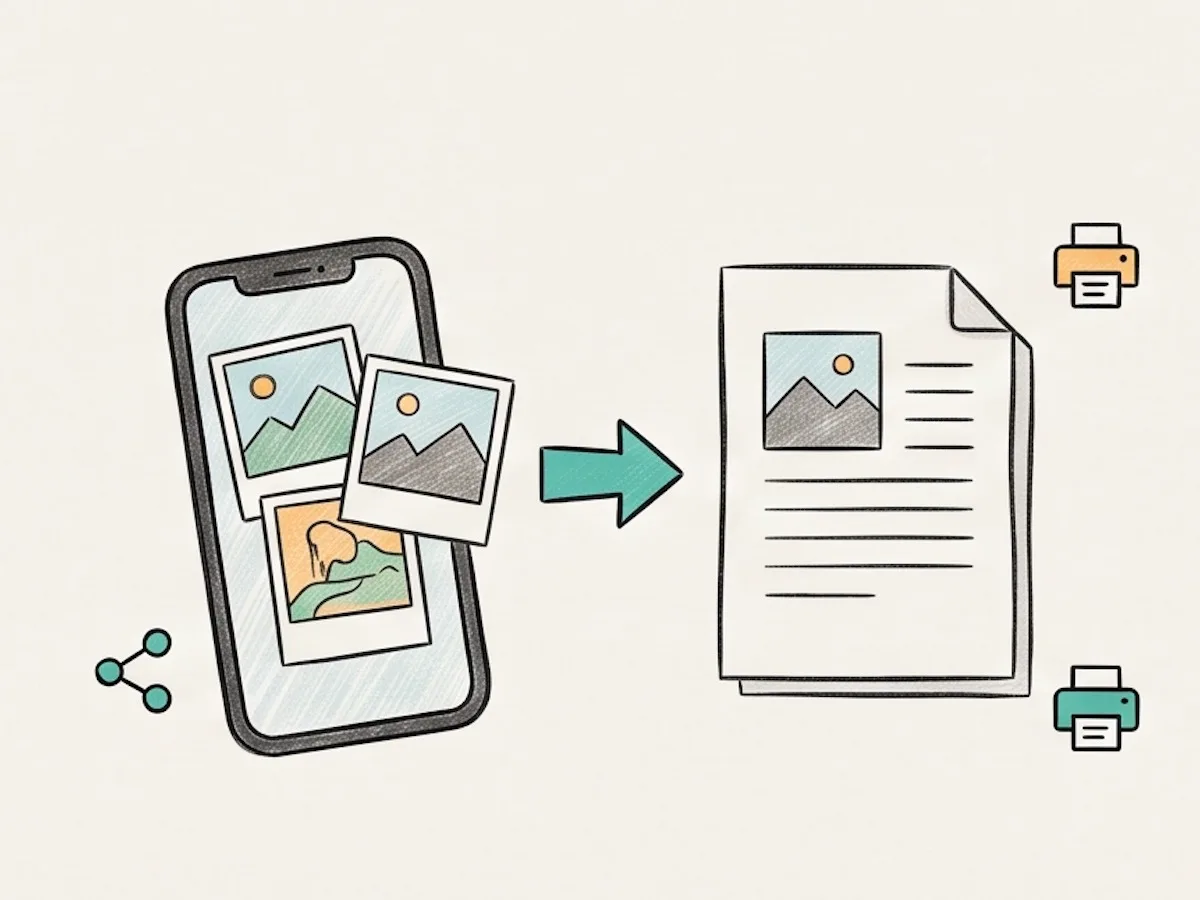
Combine your iPhone photos into one PDF for easy sharing.
How to Convert HEIC to PDF
Convert HEIC photos to PDF in three simple steps.
Drag and drop your HEIC files into the box above. You can add up to 50 files. Each file can be up to 30MB.
Drag the previews into the right order. Then choose the paper size, page direction, and margin. Keep the merge box checked for one PDF.
Click "Convert to PDF". A merged PDF downloads at once. Separate PDFs download together in a ZIP file.
Why Use This HEIC to PDF Tool?
| This tool | Other tools | |
|---|---|---|
| Local browser processing | Server upload required | |
| HEIC and HEIF support | HEIC only | |
| Up to 50 files per batch | Smaller batch limits | |
| Custom page size, orientation, and margins | Limited layout options | |
| Merged or separate PDFs | One output mode | |
| No signup or watermark | Signup or watermark |
Frequently Asked Questions
Common questions about HEIC to PDF conversion.
How do I convert HEIC to PDF?
Add the photos above. Put them in order. Choose the page settings, then click "Convert to PDF". Your PDF downloads right away.
Can I combine multiple HEIC files into one PDF?
Yes. Add all your HEIC files. Drag the previews to set the page order. Keep "Merge all images in one PDF" checked. Then click "Convert to PDF". All photos are combined into one PDF.
What is a HEIC file and why convert it to PDF?
HEIC is a photo file format used by many iPhones and iPads. It keeps photos clear in a small file. Some apps and devices cannot open HEIC. Convert HEIC to PDF to make your images easier to share and open across devices.
Does the PDF keep the photo quality?
Yes. Your photos stay clear and sharp in the PDF. We do not lower their quality during conversion.
How secure is it to convert HEIC to PDF online?
Our converter keeps your images private. The conversion runs in your browser. We never send your files to a server or store them online.
How many files can I convert at once?
You can add up to 50 images at once. Each file can be up to 30MB. We may support larger files in the future.
Can I convert HEIC to PDF on a mobile device?
Yes. You can convert HEIC to PDF directly on an iPhone, iPad, or Android device. Open the converter in your browser, add your photos, and download the PDF. No app is needed.
Can I choose the paper size and margin?
Yes. You can set the page size, orientation, and margins before conversion. Your settings apply to every page in the PDF.
Convert Your HEIC Photos to PDF
Add your HEIC or HEIF files, put them in order, and download your PDF.