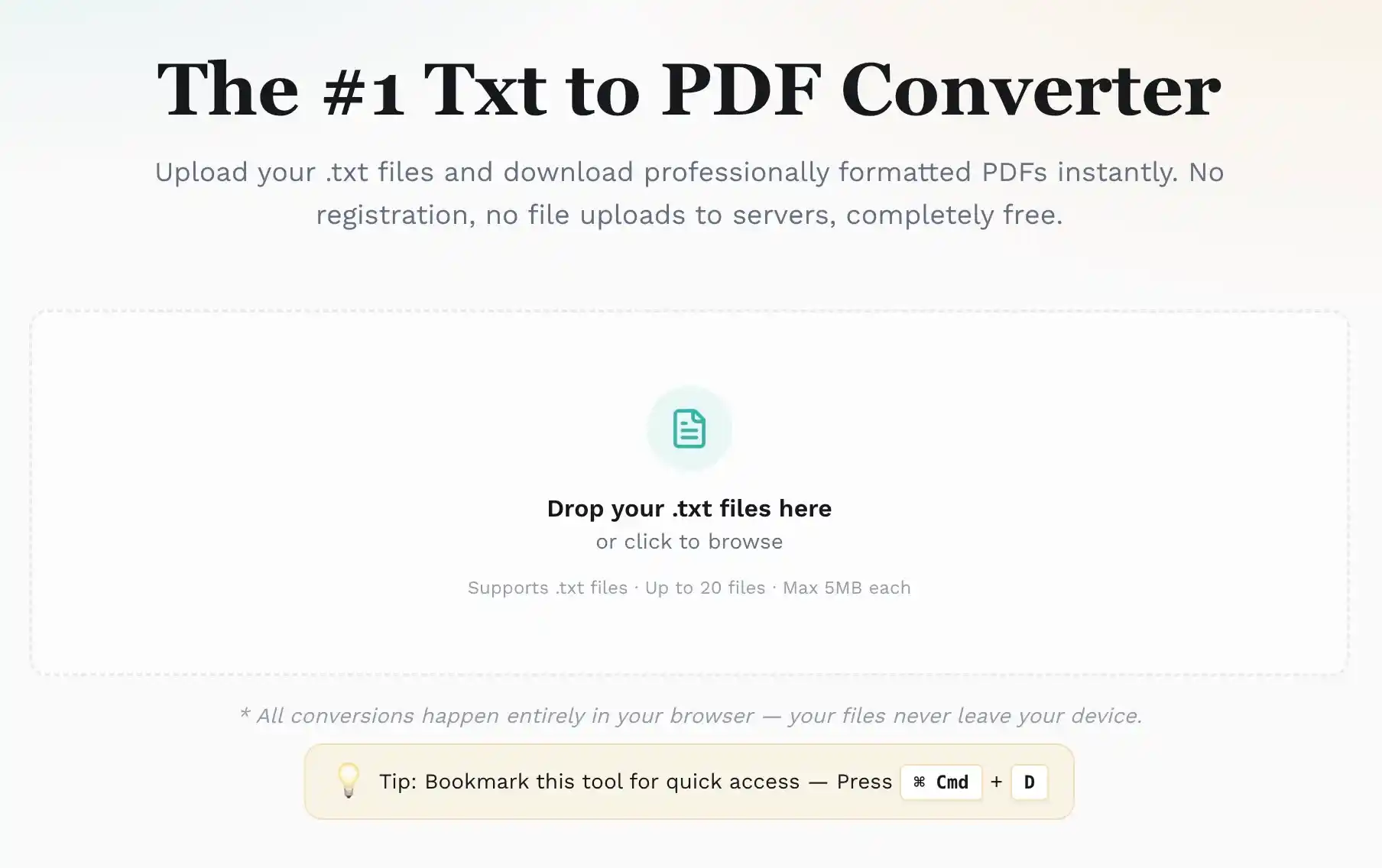
The #1 TXT to PDF Converter
Upload your .txt files and convert TXT to PDF instantly with professional formatting. No registration, no file uploads to servers, completely free.
Drop your .txt files here
or click to browse
Supports .txt files · Up to 20 files per batch · Max 5MB each
* All conversions happen entirely in your browser — your files never leave your device.
Tip: Bookmark this tool for quick access — Press Ctrl + D
Key Features of Our TXT to PDF Converter
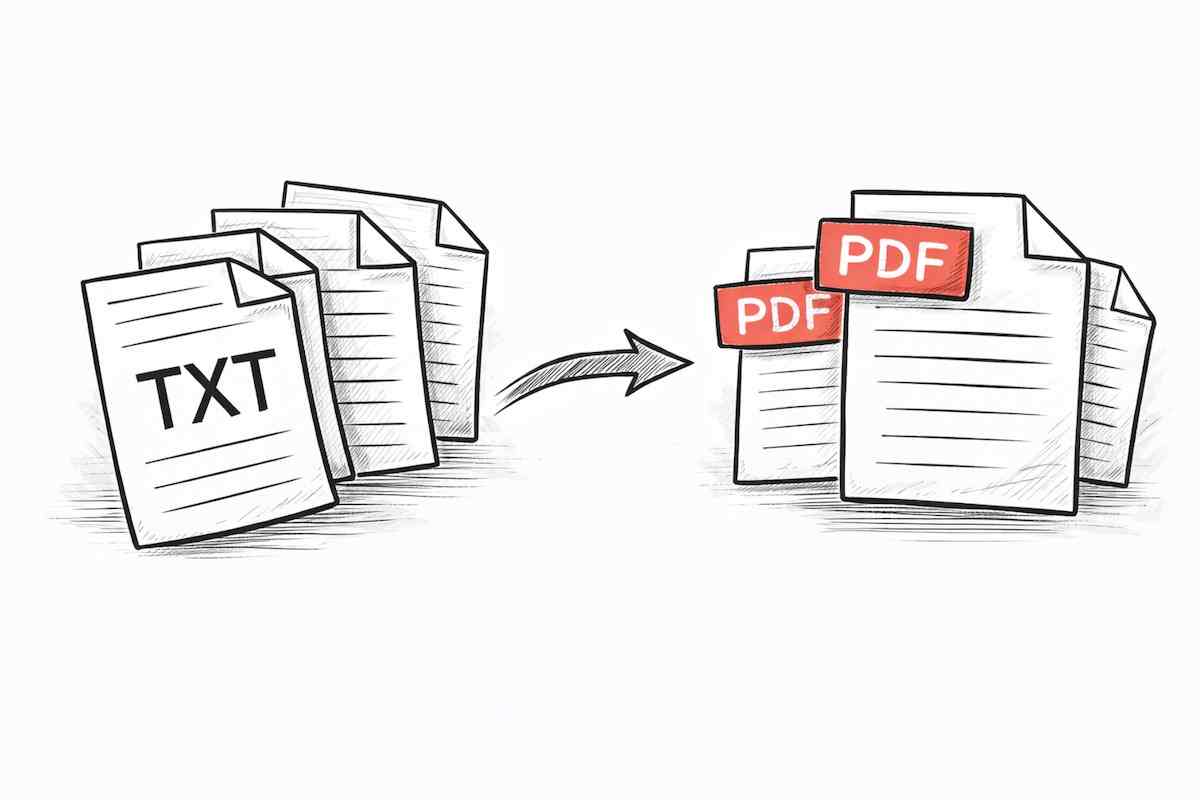
Batch Convert Multiple Files
Upload multiple .txt files at once. Download each PDF individually or package them all as a single ZIP for a faster TXT to PDF batch export flow.

100% Private — No Upload
Unlike most online tools, this TXT to PDF converter keeps your TXT files on your device. All conversion happens locally in your browser using client-side processing, so your data stays completely private.
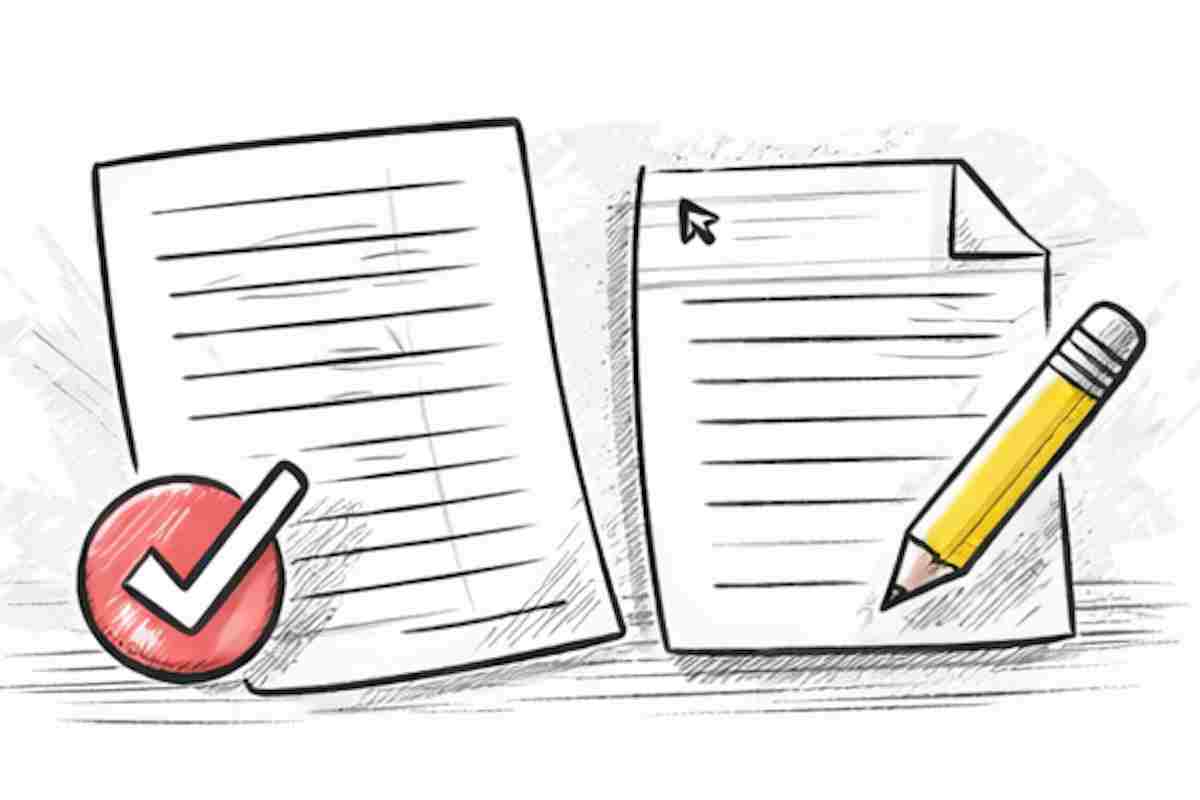
Professional PDF Output
Get clean, well-formatted PDFs with proper paragraph spacing and line break preservation. Perfect for sharing reports, notes, logs, or any text document in a universally readable format, so TXT to PDF output stays readable across devices.
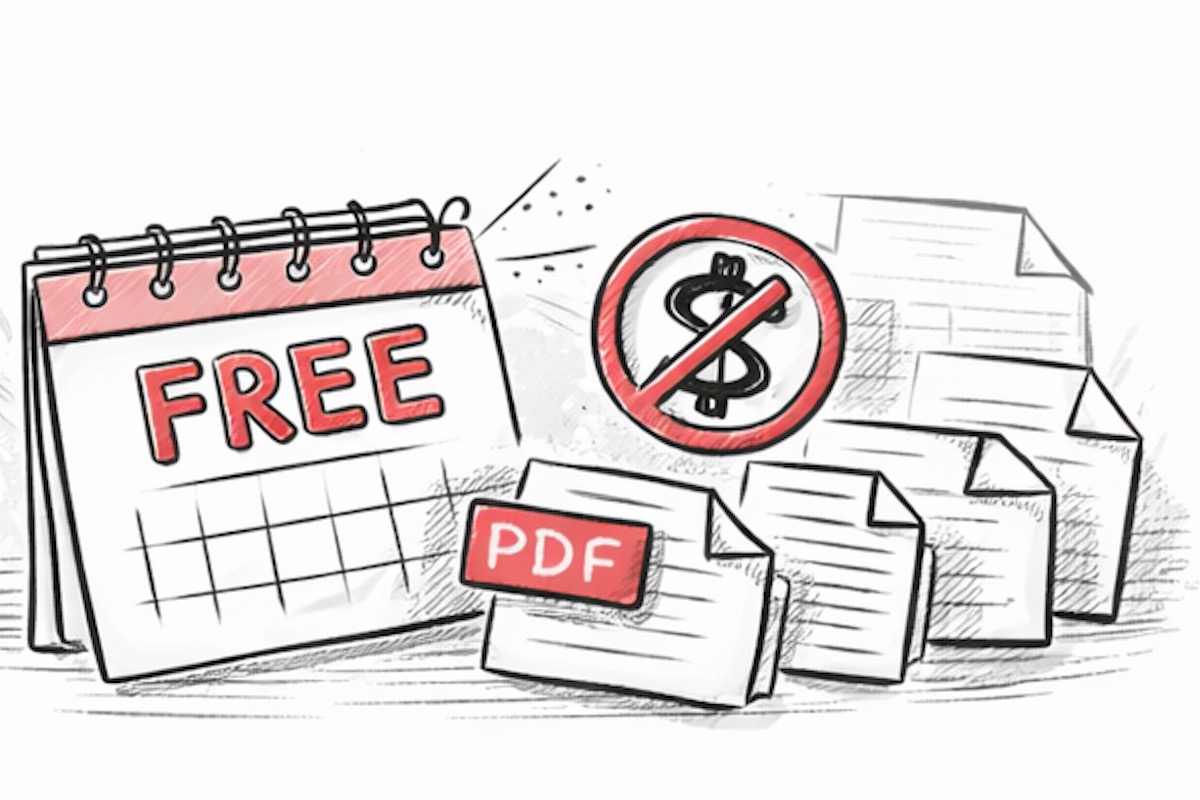
Free Forever — No Limits
Convert as many TXT files to PDF as you want, any time, for free. No daily conversion caps, no watermarks on output, no account registration required. Always free, no strings attached.
What Is TXT to PDF Conversion?
TXT to PDF conversion transforms plain text files (.txt) into professionally formatted PDF documents. Unlike TXT files, PDFs preserve your formatting, are universally readable across all devices and operating systems, and cannot be accidentally edited — making them ideal for sharing, archiving, and printing. TXT to PDF also keeps document structure consistent when you share files.
Our free online TXT to PDF converter processes everything directly in your browser. No server upload, no registration required. If you need to convert TXT to PDF, simply drag and drop your .txt files and download PDFs in seconds — individually or package all as a ZIP. TXT to PDF works instantly on modern browsers.
Convert any plain text file to a professional PDF instantly, right in your browser, with a live TXT to PDF preview.
How to Convert TXT to PDF
Convert TXT to PDF in three simple steps — no software installation required.
Upload Your TXT File — Drag and drop your .txt file into the upload zone, or click to browse. Up to 20 files at a time, and TXT to PDF processing starts as soon as files are added.
Auto-Convert in Your Browser — Conversion starts instantly and automatically the moment your files are added. No button to click, no settings to configure, and TXT to PDF conversion stays fully local.
Download Your PDF — Click 'Download' next to each converted file to save it individually, or use 'Download All' to get all PDFs packaged into a single ZIP archive.
Why Choose Our TXT to PDF Converter?
Trusted by thousands of users who need to convert TXT to PDF with speed, privacy, and reliable output.

Lightning Fast
Convert TXT to PDF in under 2 seconds, directly in your browser without any server round-trips.

Privacy Guaranteed
Your files are never uploaded to any server. Conversion happens entirely on your device, keeping sensitive documents safe, which is why TXT to PDF stays private by design.

No Registration
Start converting immediately — no account creation, no email verification, no personal information required.

Batch Processing
Handle up to 20 TXT files at a time. Download each PDF individually or package them all into one convenient ZIP file.

Professional Output
Generate clean, properly formatted PDFs with consistent typography and layout. Paragraph spacing and line breaks are faithfully preserved.

Works on Any Device
Runs seamlessly on desktop, tablet, and mobile browsers. No software installation or browser extensions needed.
Frequently Asked Questions
Everything you need to know about our TXT to PDF converter.
What file formats are supported?
Currently, only plain text (.txt) files are supported. Formats like .doc, .docx, .rtf, and image files are not supported on this page.
Why can't I open a file after renaming .txt to .pdf?
Changing the file extension does not convert the file format. A TXT file must go through a real conversion process to become a valid PDF.
How many files can I upload, and what is the size limit?
You can upload up to 20 .txt files per batch, with a maximum size of 5MB per file. Files beyond these limits are skipped.
Are my files uploaded to your server?
No. Conversion happens locally in your browser, and your file content is not uploaded to our servers. TXT to PDF never uploads your text.
Why is 'Download All' a ZIP file? Can I merge into one PDF?
Currently, 'Download All' packages converted PDFs into a ZIP archive. Merging multiple TXT files into a single PDF is not supported yet.
What should I do if conversion or download fails?
Please confirm the file is a .txt file and under 5MB, then refresh and try again. If the issue continues, try downloading files one by one to isolate the problematic file.
Can I use this converter on mobile?
Yes. It works on modern mobile browsers on iOS and Android, including Chrome, Safari, and Firefox.
Is this tool free, and will it add a watermark?
Yes, it is currently free to use, requires no registration, and does not add watermarks to exported PDFs.
How can I stay safe when converting files online?
Use trusted websites and avoid uploading sensitive files to unknown services. This TXT to PDF converter processes files locally in your browser to reduce third-party exposure risk.
Ready to Convert More TXT Files to PDF?
Batch convert .txt files locally and download clean PDFs in seconds.