2026-03-07 • text to pdf
How to Convert Text to PDF Online (Free, No Sign-Up)Step-by-step guide to converting text to PDF — rich formatting, custom fonts, page sizes, and batch conversion.
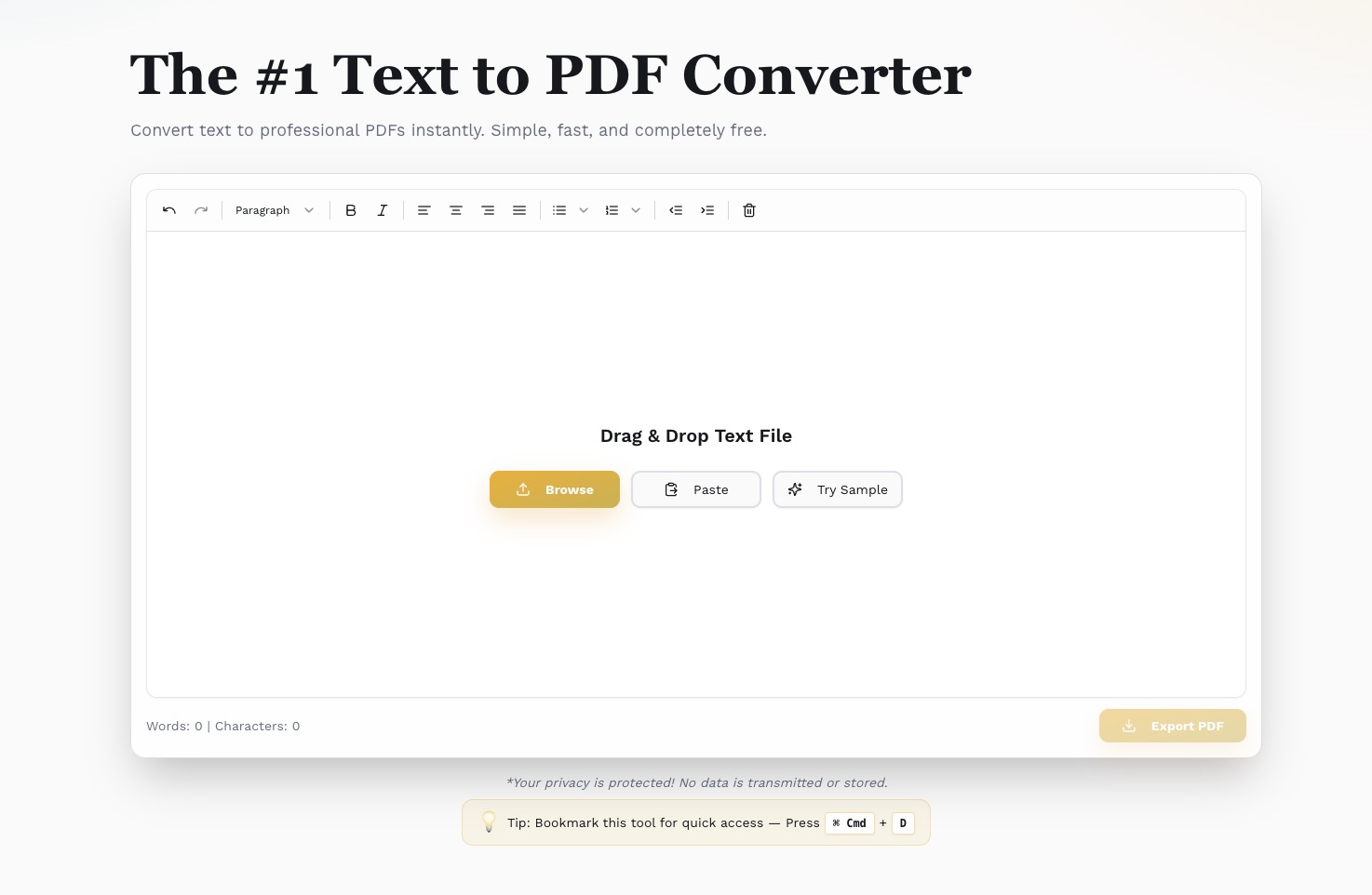
Words: 0 | Characters: 0
Words: 0 | Characters: 0
*Your privacy is protected! No data is transmitted or stored.
Tip: Bookmark this tool for quick access — Press Ctrl + D
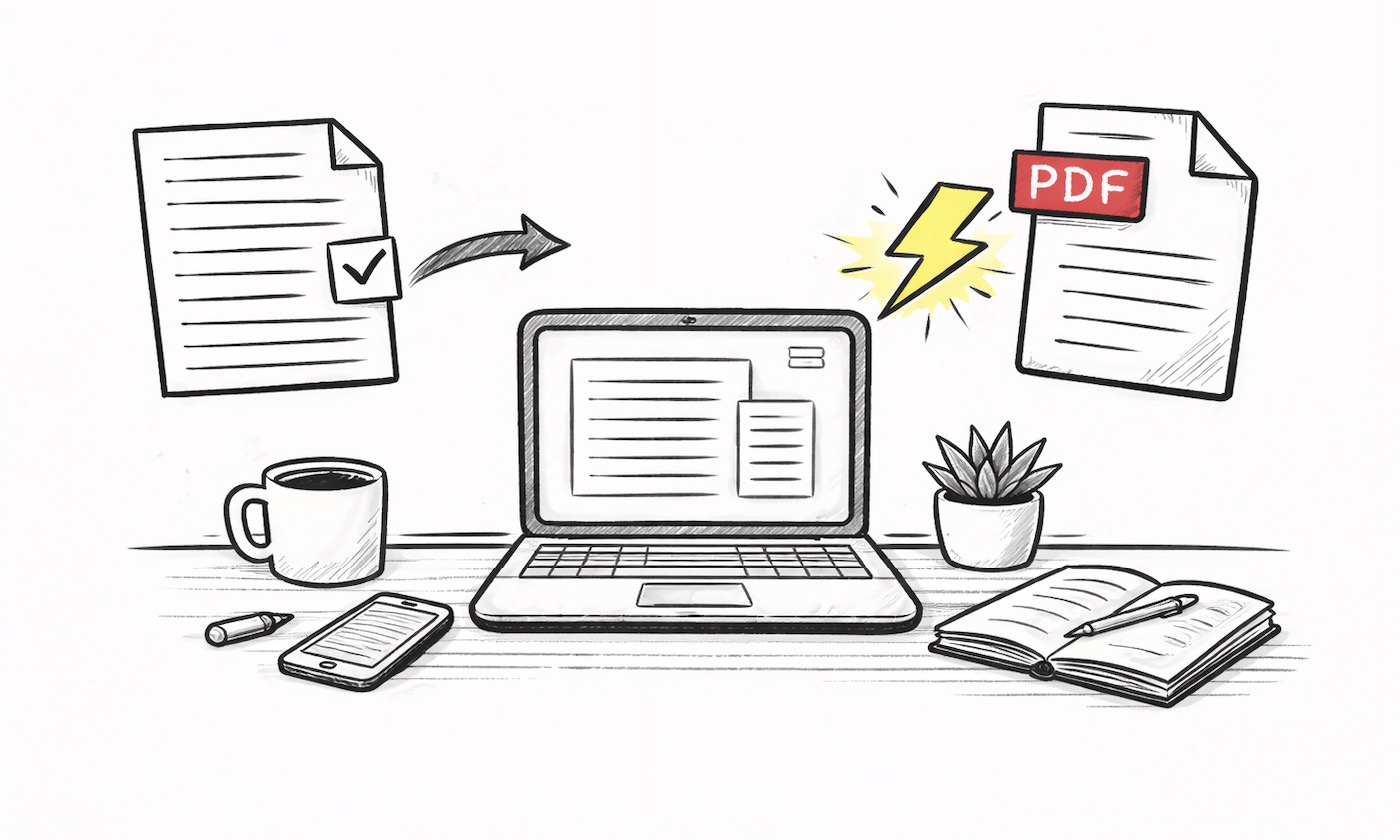
Convert your text to PDF in seconds. No waiting, no processing delays. Type or paste your content and get a professional PDF instantly with our lightning-fast text to PDF converter.
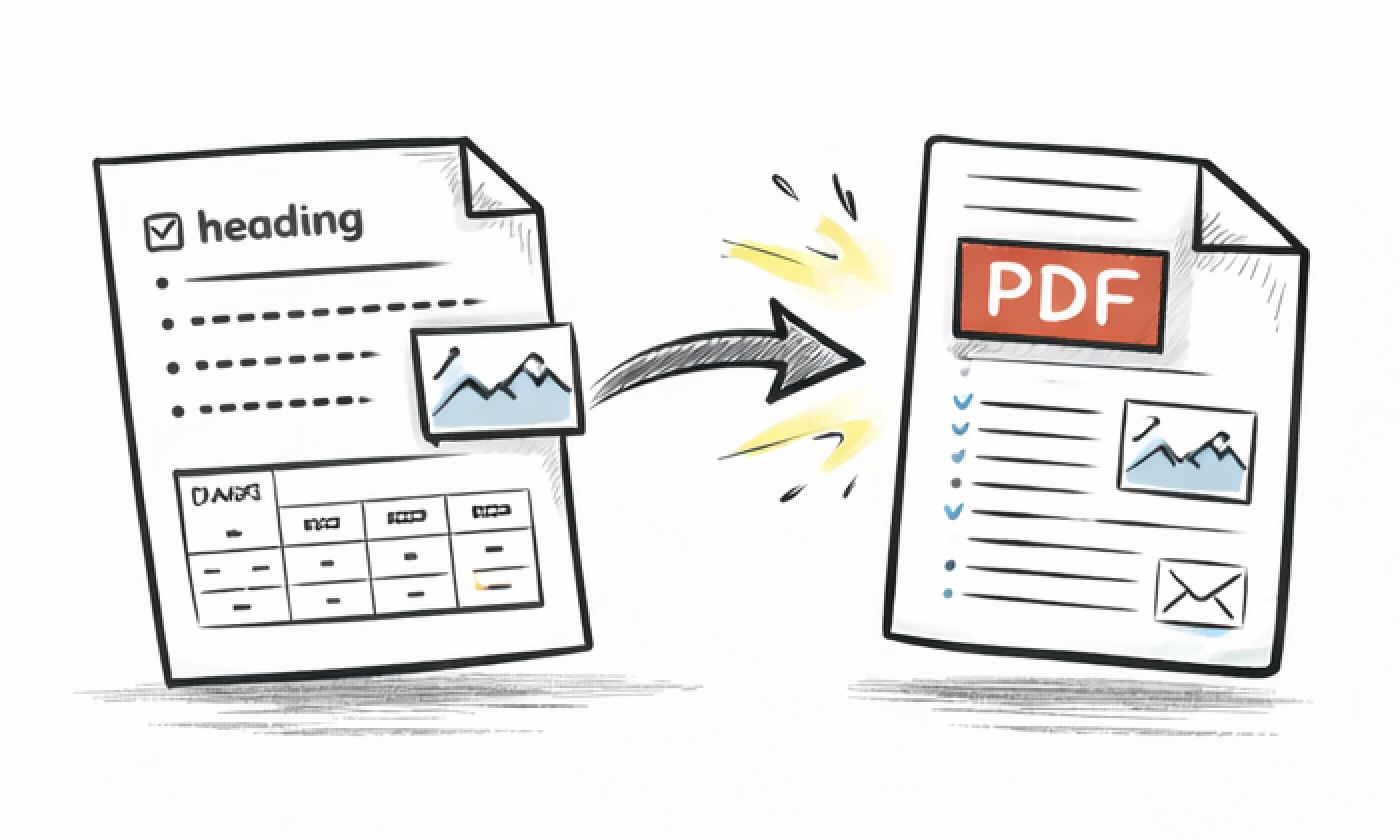
Transform plain text to PDF with rich formatting - bold, italic, headings, lists, and more. Full Markdown syntax support included. Add images, links, and task lists. Our text to PDF tool preserves all your formatting perfectly.
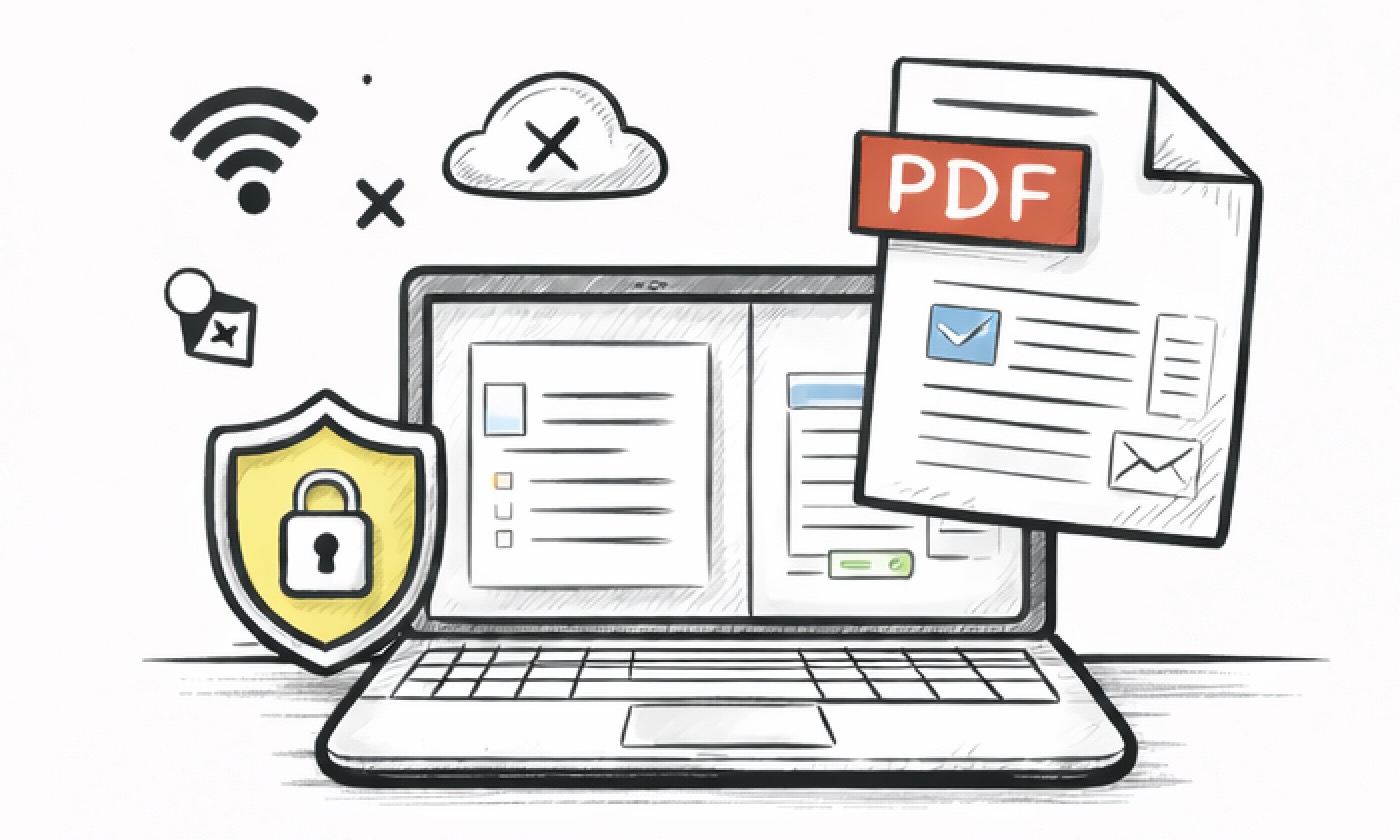
Your text to PDF conversion happens entirely in your browser. No uploads, no servers. Your sensitive documents stay private when you convert text to PDF.
Convert unlimited text to PDF documents without any restrictions. No sign-up required, no watermarks, no hidden fees. Just pure, unlimited text to PDF conversion.
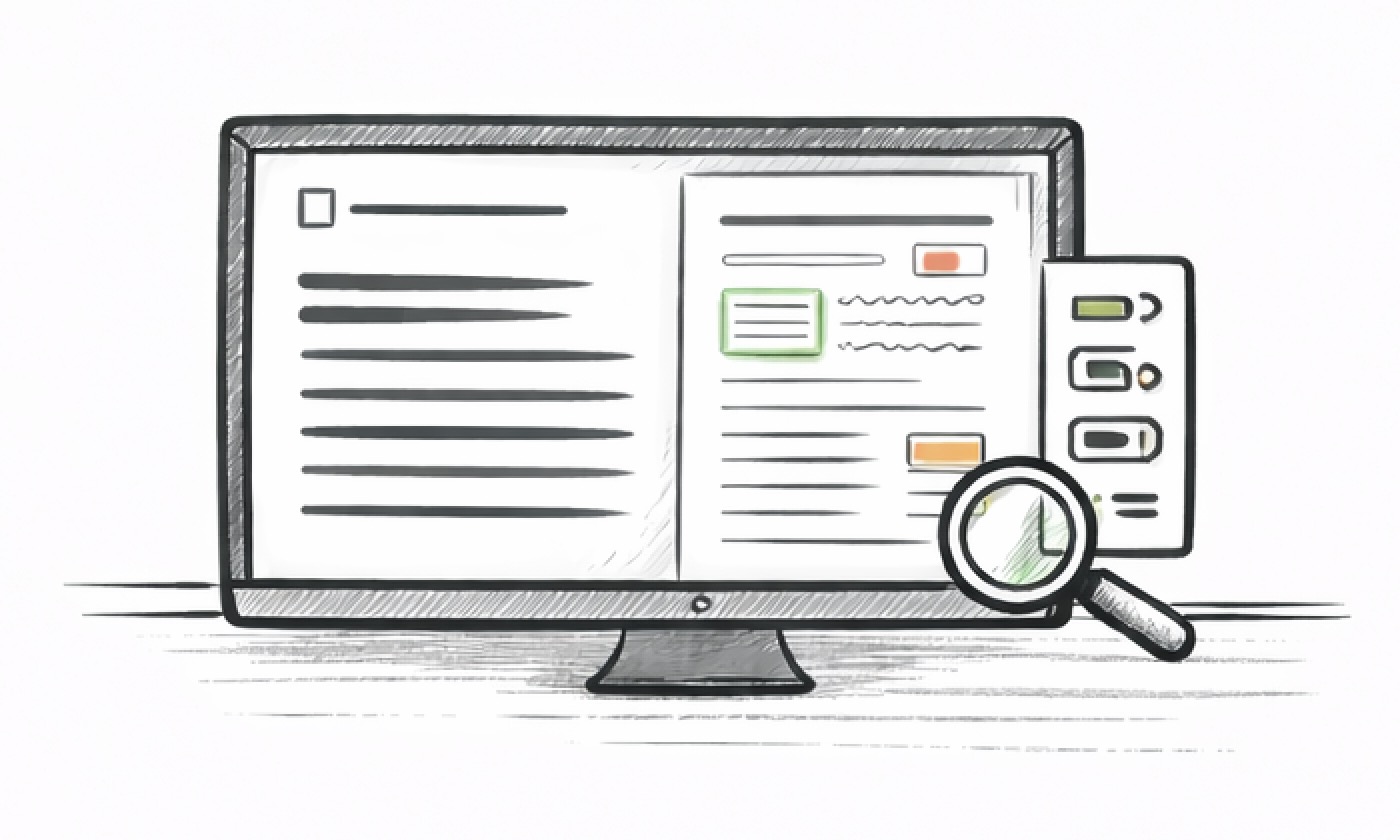
See your text to PDF conversion in real-time before export. Adjust page size, margins, fonts, and formatting with instant preview. Perfect your document before downloading your PDF.
A text to PDF converter is an online tool that transforms your text into professional PDF documents. Our text to PDF converter gives you full control over formatting—add headings, bold text, lists, links, and more using our rich text editor or Markdown syntax. Then convert text to PDF with your exact formatting preserved. Unlike basic converters, this text to PDF tool lets you create polished, well-structured PDFs with the layout you want.
Whether you're creating meeting notes, reports, study guides, or quick documents, our text to PDF converter makes it simple. Just write your text, format it the way you want, customize the PDF settings if needed, and convert text to PDF in seconds. No software installation, no account required—just fast, free text to PDF conversion that works in your browser.
Preview: See how your text will look as a PDF before downloading
Transform your text into professional PDFs in seconds. Our streamlined workflow makes document creation effortless—no complex settings, just simple steps to get your PDF ready.
Start by typing, pasting, or dropping your text file directly into the editor.
Style your content with rich formatting options—make it structured and professional.
Fine-tune the layout with live preview and customize page settings to match your needs.
Hit the export button and your beautifully formatted PDF is ready to share.
Designed for speed, privacy, and professional results. Everything you need to create beautiful PDFs without compromise.

Convert text to PDF instantly. No waiting, no processing delays—just instant results.

All conversions happen locally in your browser to help protect your privacy.

Export PDFs with consistent formatting, clean typography, and reliable pagination that looks great everywhere.

Full Markdown and rich text support. Create structured documents with headings, lists, links, and more.

See exactly how your PDF will look before exporting. Adjust settings and preview changes instantly.

No hidden costs, no subscriptions, no limits. Convert as many documents as you want, completely free.
Everything you need to know about our Text to PDF Converter.
Yes. The core text-to-PDF workflow is free to use, with no sign-up and no watermark.
No. Conversion runs in your browser, so your content stays on your device.
Yes. Headings, bold/italic text, lists, links, code blocks, images, and more are preserved in the exported PDF.
You can paste content directly or import .txt, .md, and .markdown files.
There is no fixed hard limit in the app. For very large documents, performance depends on your browser and device memory.
Yes. You can adjust page size, orientation, margins, font family, font size, and line height before export.
Yes. It works on mobile. After the page loads, editing and exporting can continue even if your connection drops.
Not yet. Multi-file conversion is coming soon, please stay tuned.
Tips and guides on Text to PDF conversion and document formatting.
2026-03-07 • text to pdf
How to Convert Text to PDF Online (Free, No Sign-Up)Step-by-step guide to converting text to PDF — rich formatting, custom fonts, page sizes, and batch conversion.
2026-03-19 • markdown to pdf
How to Convert Markdown to PDF Online — Complete GuideComplete guide to converting Markdown to PDF — headings, lists, code blocks, tables, images, and more. Free, private, unlimited.
2026-03-12 • txt to pdf
TXT to PDF vs Word to PDF — Which Format Should You Use?Comparing TXT-to-PDF and Word-to-PDF workflows: when plain text wins, when Word makes sense, and how to get the best PDF output from either format.
Write, format, preview, and export in one place. A simple workflow for clean, professional documents.